
Forsyth County Court Dockets Explained
A court docket is the case's running list of events, filings, hearings, notices, orders, continuances, pleas, judgments, and compliance entries. In Forsyth County, docket information comes from the same statewide North Carolina court ecosystem that stores case information. A docket can show that a hearing was set, continued, disposed, or followed by an order. It may also show the case number, party names, court division, hearing location, and the type of event scheduled.
A docket is not the full case record. The docket is the index and timeline; the file is the set of pleadings, orders, judgments, citations, criminal charging documents, estate applications, or other papers behind that timeline. For broad case-file access, the best starting point is the Forsyth County court records overview. For a hearing date or calendar setting, docket and hearing search tools are usually the better first stop.
Forsyth County matters are part of North Carolina's unified General Court of Justice. District Court handles misdemeanors, infractions, traffic, family, juvenile, small claims through magistrates, landlord-tenant cases, and civil matters within its jurisdiction. Superior Court handles felony trials, larger civil cases, and appeals assigned by law. Both divisions sit in the Forsyth County Courthouse in downtown Winston-Salem.
Find Forsyth County Court Dockets
The online starting point is the statewide eCourts Portal. The Portal includes Search Hearings for court dates and hearings by name, county, date range, and more. The Forsyth County Judicial Branch location page also links to "Find a court date" and to local civil and criminal calendars. If a case is not clear online, public self-service terminals at clerk offices can be used for criminal, civil, special proceeding, and estates case information.
- Open the eCourts Portal and choose Search Hearings when the goal is a court date or hearing setting.
- Use Forsyth County as the county filter when available, then search by name, citation number, case number, date range, or other listed criteria.
- Check the hearing entry for date, time, court division, location, party names, case number, and event type.
- Compare online results with the Forsyth County civil and criminal calendars or local administrative schedules when the matter is calendar-specific.
- Call or visit the Clerk of Superior Court if a date appears wrong, missing, sealed, continued, or too important to rely on a screen result.
The Forsyth County local administrative schedules source documents local docket and calendar routes.
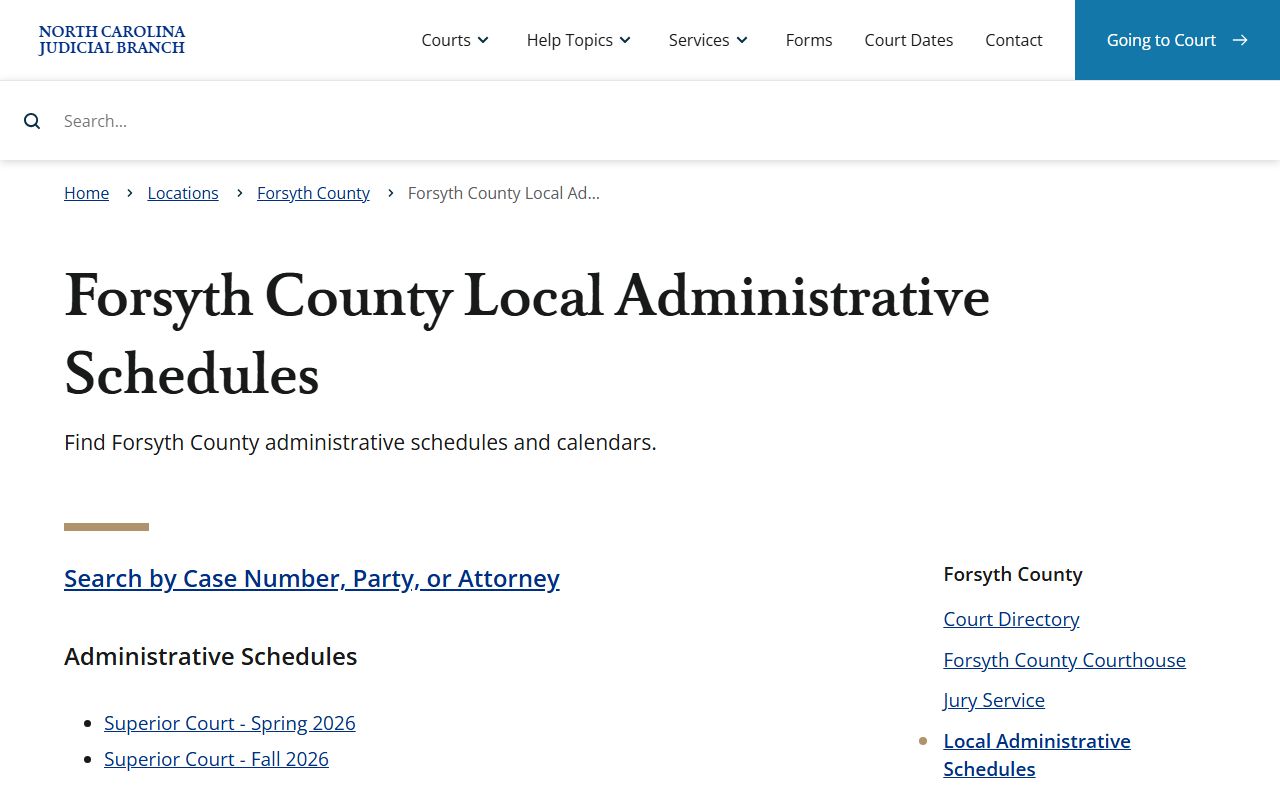
Those schedules help explain why a Forsyth County docket search may require both statewide search and local calendar review.
Forsyth County Docket Entry Fields
Docket entries are short by design. They tell the reader what happened or what is set to happen, but they may not include the full text of the filing or order. A Forsyth County docket result can be enough to confirm a hearing, track case movement, or find a case number for a clerk request. It should not be treated as a substitute for the file when the document language matters.
| Field | What It Shows |
|---|---|
| Case number | The identifier used to connect the hearing or docket entry to the case file. |
| Party name | Defendant, plaintiff, petitioner, respondent, attorney, or other party role depending on case type. |
| Case type | Criminal, infraction, civil, domestic, estate, special proceeding, judgment, or other category. |
| Event or hearing type | The action listed on the docket, such as hearing, motion, order, continuance, plea, disposition, or sentencing. |
| Date and time | The scheduled or posted event time when public and available. |
| Location | Court division, courthouse, courtroom, judge, magistrate, or hearing location when shown. |
| Status or result | Pending, disposed, continued, closed, dismissed, judgment entered, or another public status label. |
| Restriction marker | Sealed, expunged, juvenile, or redacted material may be absent from public docket detail. |
The Portal also uses a CAPTCHA every ten minutes for anonymous, registered, and elevated access users, and it requires JavaScript and cookies. That can affect quick calendar checks from courthouse hallways or phones.
Forsyth County Courts With Dockets
Forsyth County dockets follow the state court structure rather than a city court system. The N.C. Judicial Branch identifies Forsyth County as Prosecutorial District 31, Superior Court District 31, and District Court District 31. The same courthouse hosts both Superior Court and District Court work. Magistrates handle small claims and certain initial criminal processes within the state court system, not in a separate municipal court.
| Court or Function | Docket Role | Forsyth County Contact |
|---|---|---|
| Superior Court | Felony criminal matters, larger civil cases, and assigned appeals. | Judges: (336) 779-6316 |
| District Court | Misdemeanors, infractions, traffic, family, juvenile, and many civil matters. | Judges: (336) 779-6318 |
| Clerk of Superior Court | Records, files, terminals, copies, payments, estates, and case access support. | Main: (336) 779-6300 |
| Magistrates - Small Claims | Small claims, evictions, recovery of personal property, and certain initial criminal functions. | (336) 779-6319 |
| District Attorney | Prepares the criminal trial docket and represents the state in criminal matters. | (336) 779-6310 |
The state jury service source is also linked in the docket image set.
Jury service is not the same as a case docket, but jury scheduling affects trial calendars and courtroom availability.
Forsyth Dockets vs Case Records
The most common mistake is treating a docket entry as if it were the full court record. A docket can prove that an event was scheduled or entered. It may not show the complaint, indictment, motion text, custody order, estate inventory, or sentencing judgment. When the exact words of an order or filing matter, use the docket to identify the case and then request the file or copy from the clerk.
| Topic | Docket | Full Case Record |
|---|---|---|
| Format | Timeline or list of entries. | Documents, filings, orders, judgments, and related file papers. |
| Best use | Confirm dates, events, case movement, and public status. | Read the filed document, order text, disposition, or certified record. |
| Access path | Portal hearing search, calendars, administrative schedules, and clerk terminals. | Portal when available, public terminal, paper file inspection, copies, or certified copies. |
| Limits | Short labels may omit document detail. | May include restricted, redacted, sealed, or fee-based materials. |
Note: A hearing result should be verified with the clerk before a deadline, trial date, or required court appearance.
Forsyth County Docket Calendars
Forsyth County publishes more than one calendar-related channel. The local administrative schedules page links Superior Court administrative schedules for Spring 2026 and Fall 2026, an Attorney Divorce Calendar appointment link, civil calendars, criminal calendars, and the Portal case and hearing search. The local rules and forms page adds more context because it lists Superior Court civil case management, mediated settlement conference rules, criminal superior docketing plan, criminal session capacity limits, continuance policy for trials, and interpreter request orders.
District Court materials on the local rules and forms page include case management plans, equitable distribution rules, continuance policy, absolute divorce and short motions calendar, chambers rules, and interpreter orders. Local forms include request-to-calendar forms, superior court calendar requests, equitable distribution calendar requests, general civil calendar requests, pretrial conference orders, motions for peremptory setting, motions to continue a criminal case, and requests to calendar video or in-person motion hearings.
The Forsyth County local rules and forms source ties docket lookup to local filing and calendar procedures.
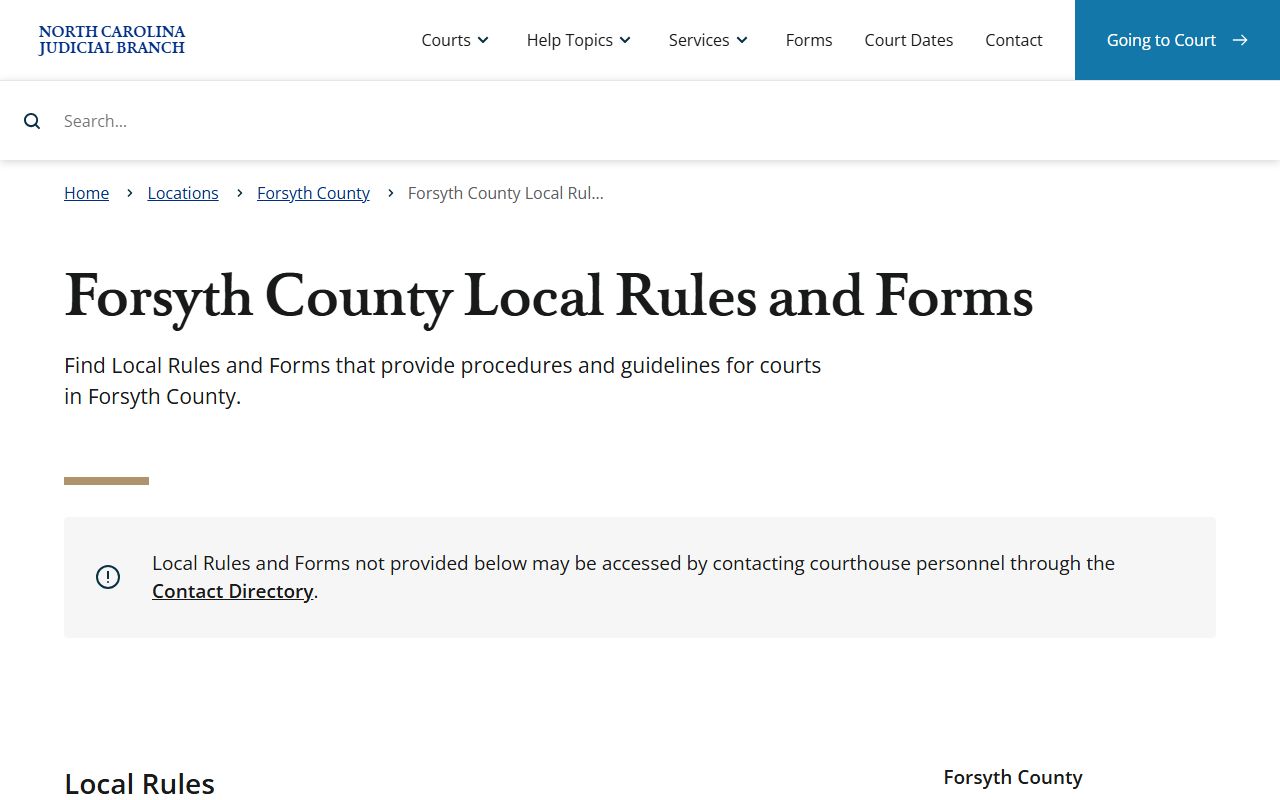
Those forms are useful when a docket issue involves calendaring a motion, requesting a setting, or checking continuance rules.
Read Forsyth County Court Dockets
Reading a docket starts with roles and terms. A plaintiff starts many civil cases, while a defendant is the person sued or charged. A petitioner asks the court for an order in a petition case, and a respondent answers that petition. A motion asks the court to act. An order is a judge's or clerk's directive. A judgment is the court's final or enforceable decision, and a disposition is the outcome of a case or charge.
Forsyth County criminal docket entries may refer to charges, warrants, pleas, continuances, sentencing, bond, restitution, probation, and appeal entries. Civil and domestic entries may refer to complaints, summonses, answers, motions, custody mediation, arbitration, orders, judgments, and settlement notices. Estate and special proceeding entries may refer to applications, inventories, letters, accountings, creditor notices, guardianship events, foreclosure, or partition.
Courthouse rules also shape docket use. Forsyth jurors report to Room 305 on the third floor of the courthouse as instructed on the summons, with free parking posted at Liberty Plaza parking deck. A separate 2025 Forsyth County administrative order bans most electronic devices capable of recording or transmitting sound or images inside the courthouse, except for authorized persons. A person who wants to inspect a docket or file in person should plan for that limit.
The Forsyth County jury service source is included because local jury scheduling connects to courtroom calendars.
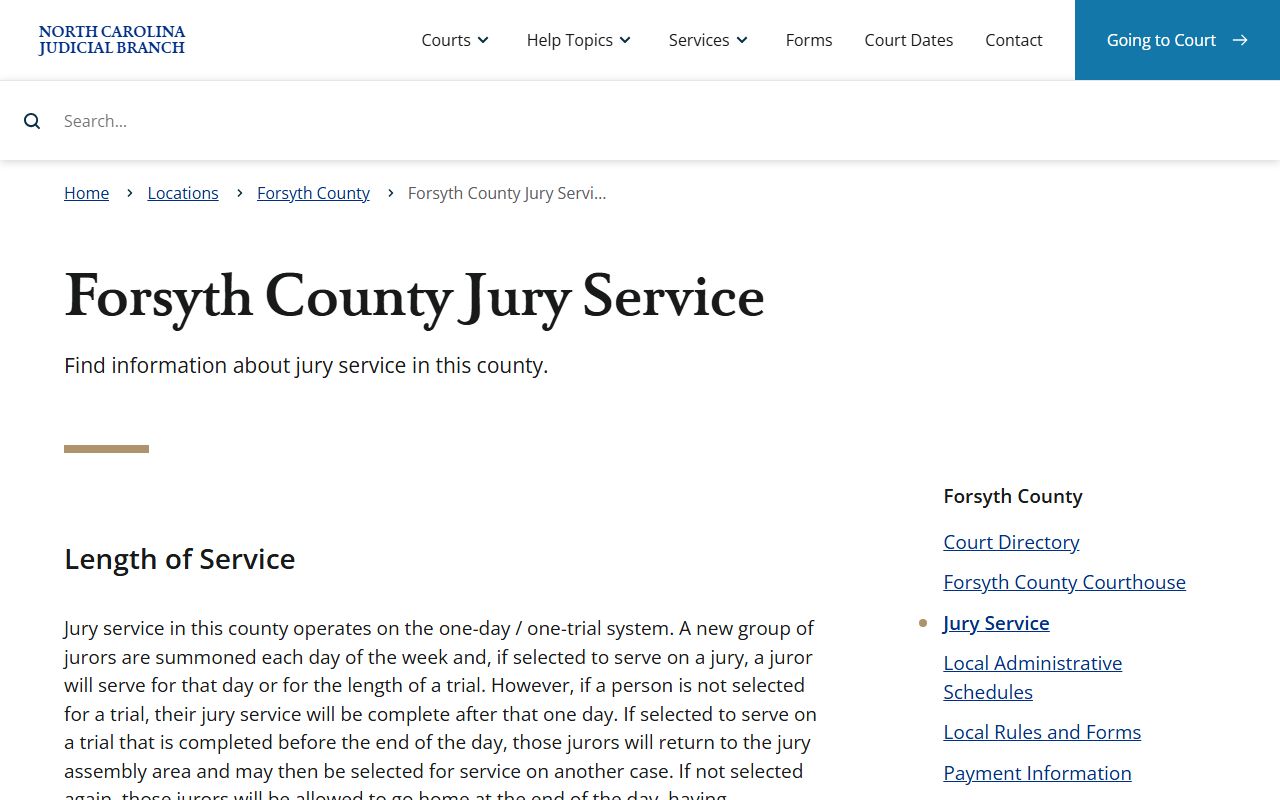
Jury reporting instructions, trial calendars, and administrative schedules should be read together when a case is set for trial.